Using the authentication portal
The portal is the browser interface for signing in, opening application links,
and managing a local account. This guide follows a portal mounted at /auth/.
Replace that prefix if your deployment uses another mount.
The current screenshots were captured from caddy-security v1.3.0 with
go-authcrunch v1.3.8, using the local learning example
and disposable demo accounts. Older screenshots remain beside each task as
historical references. Their lock logo, menus, and /settings URLs belong to an
earlier interface; current account management is at /auth/profile/.


Portal access, account management, and app membership are distinct. Completing login establishes a portal identity. Local Profile management also requires an allowed portal role and a live local session. Application routes require their own role/claim policy. External-provider users manage provider credentials at that provider rather than through the local Profile API.
User Login
Open /auth/login, or request an application protected by an authorization
policy. For a local account, enter your username or email and choose Proceed.
The next screen asks for your password. If the account requires more challenges,
complete those before the portal issues an access token.
For an external provider, choose its sign-in option. You authenticate on its site and return through the configured OAuth or SAML callback. Its password and MFA stay with that provider.
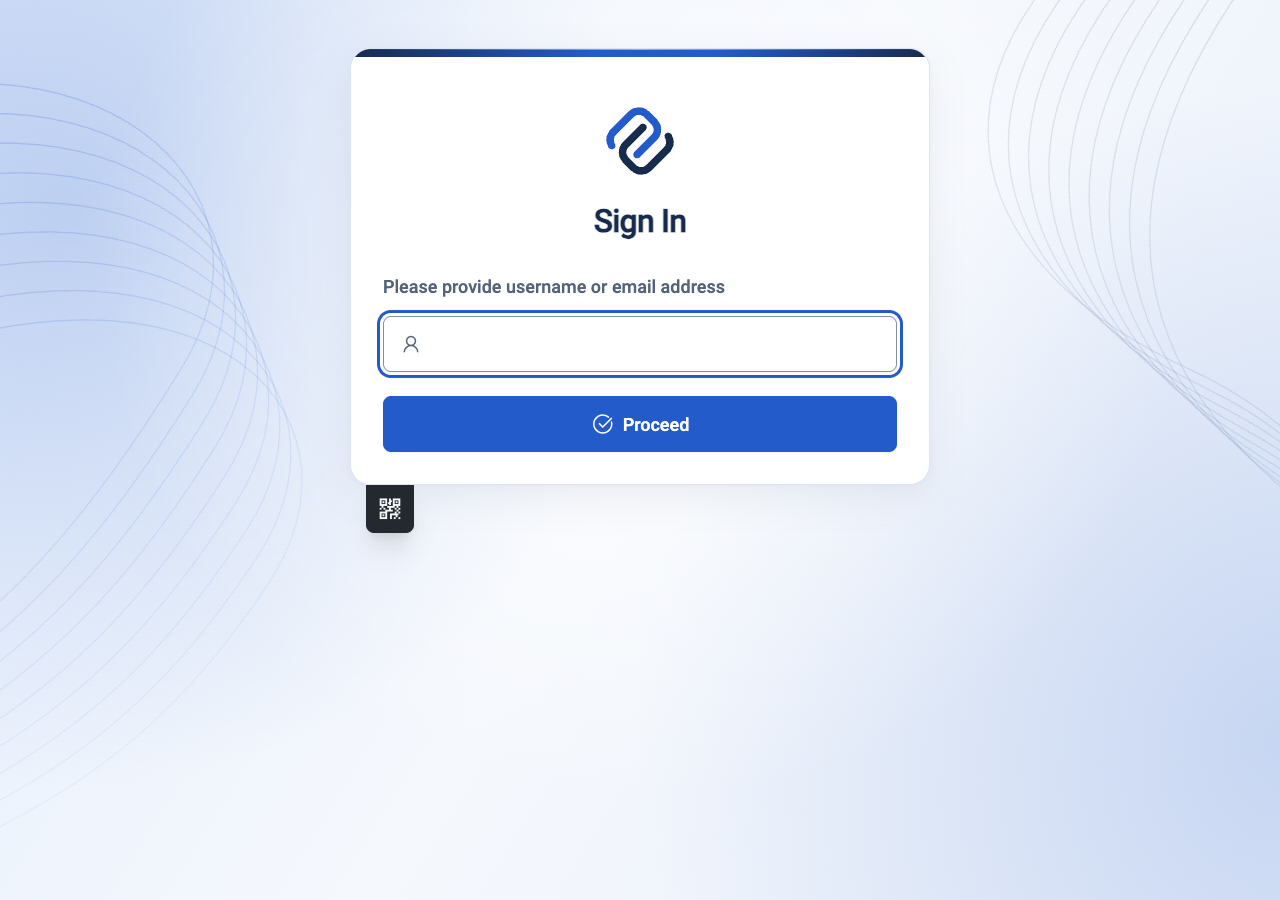
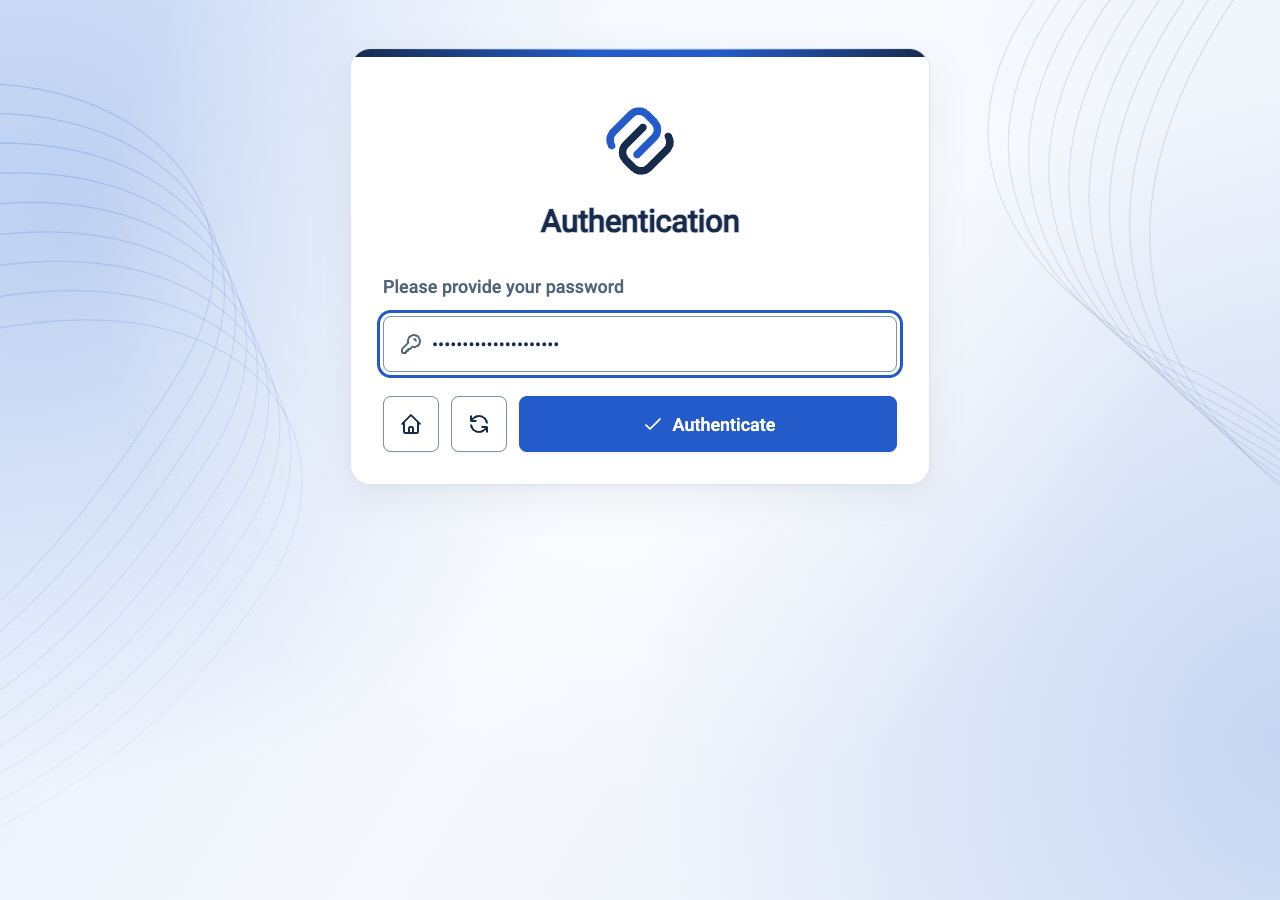
Earlier sign-in and password screens
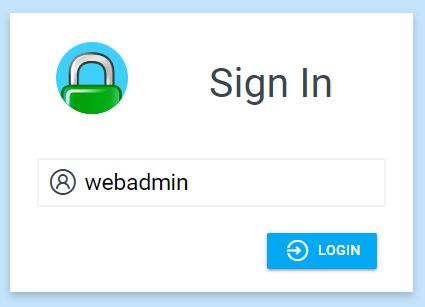
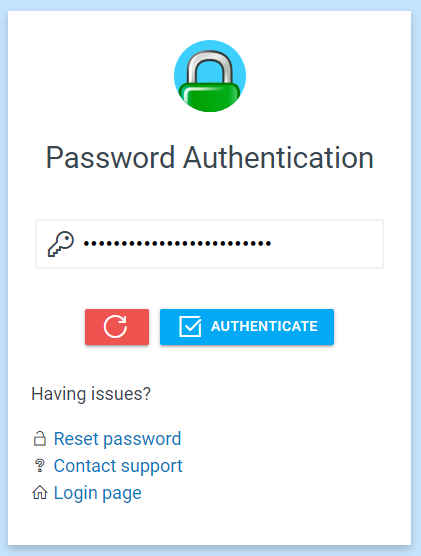
Portal
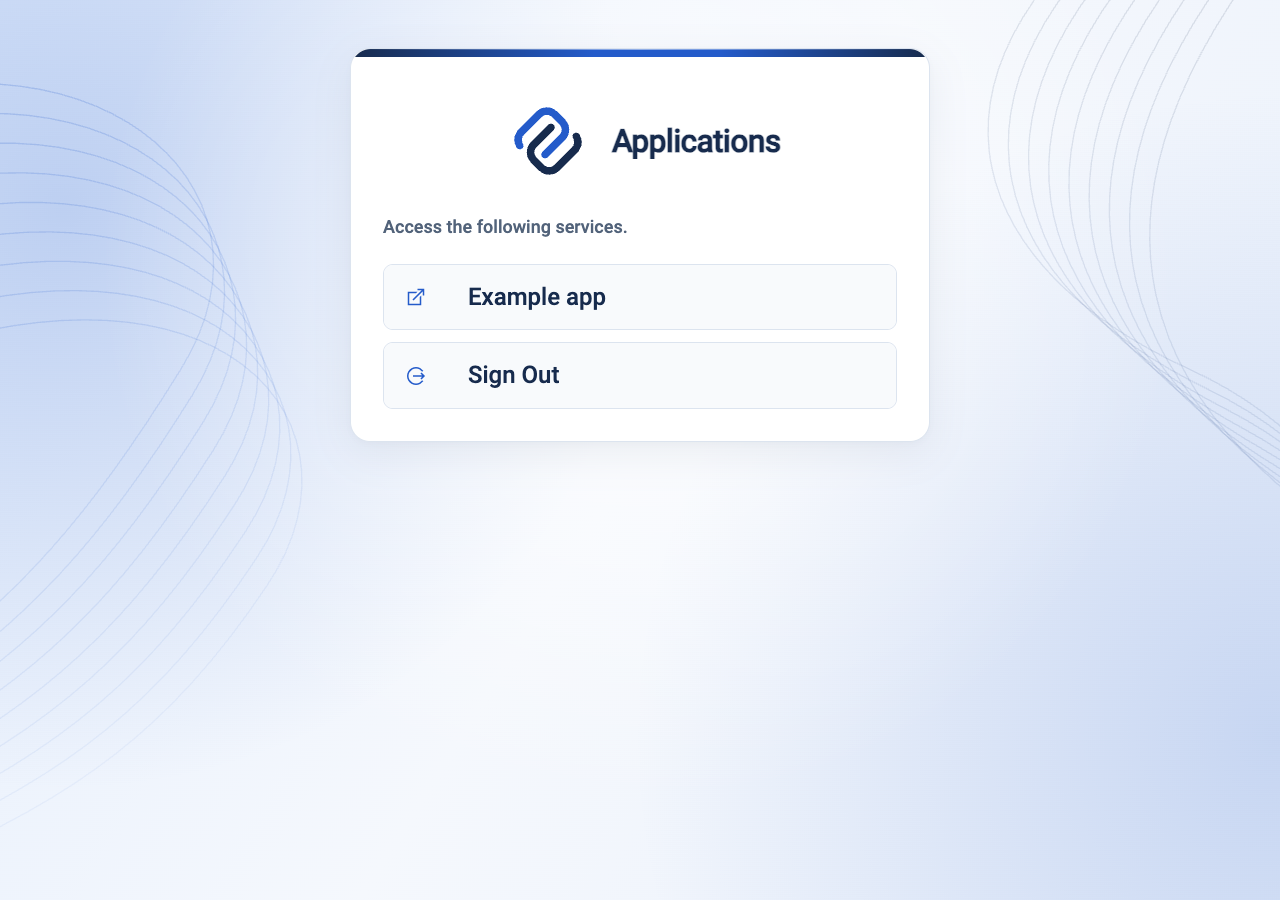
After login, /auth/portal displays configured application links. In the
learning example, choose Example app. A visible link is navigation, not an
access grant: the destination still needs its own authorization policy.
Administrators add links with ui links, or add
identity-specific links with transforms.
The current default screen does not automatically add every profile or identity
link; visit those paths directly or ask your administrator to add them.
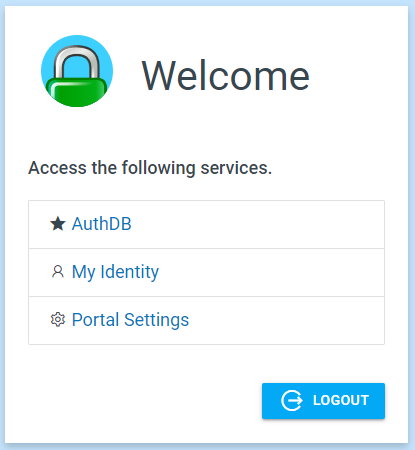
Earlier portal landing page
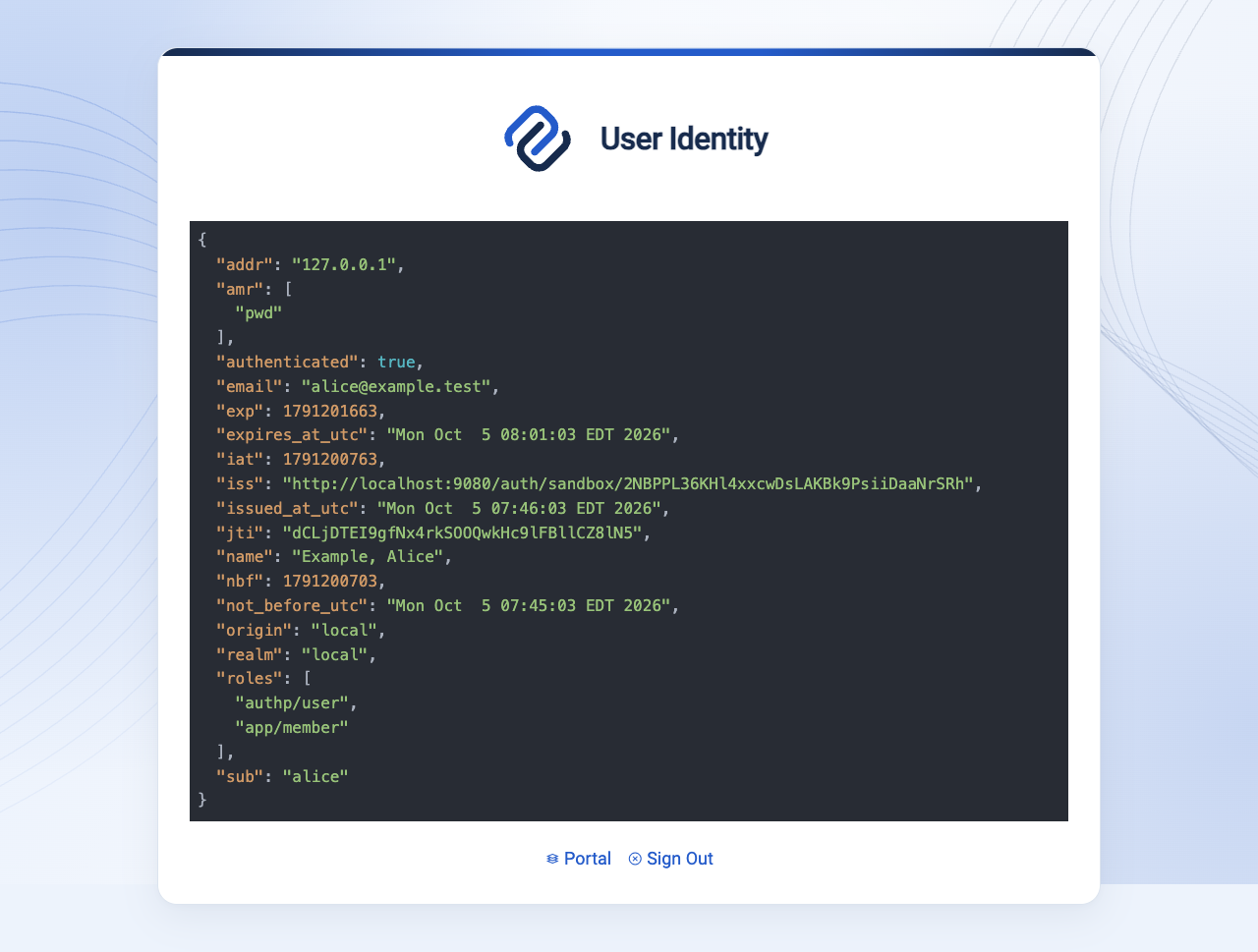
User Identity (whoami)
Open /auth/whoami to inspect the current portal identity. Check its subject,
realm, roles, and expiry when diagnosing a policy denial. These are the claims
issued after portal mappings; they may differ from the original provider claims.
Treat identity data as private when sharing screenshots.
For programmatic access, see the Portal API. A successful identity response alone does not prove that an application policy allows access.
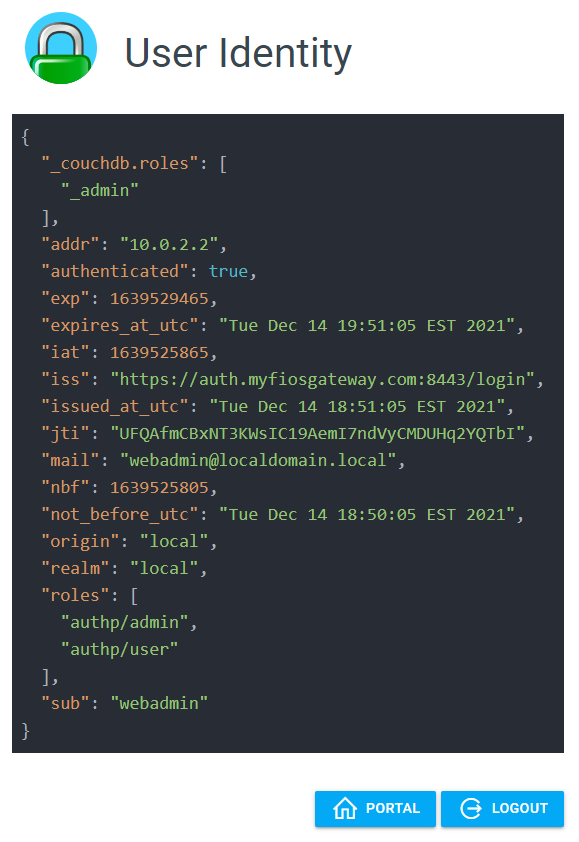
Earlier identity view
User Settings
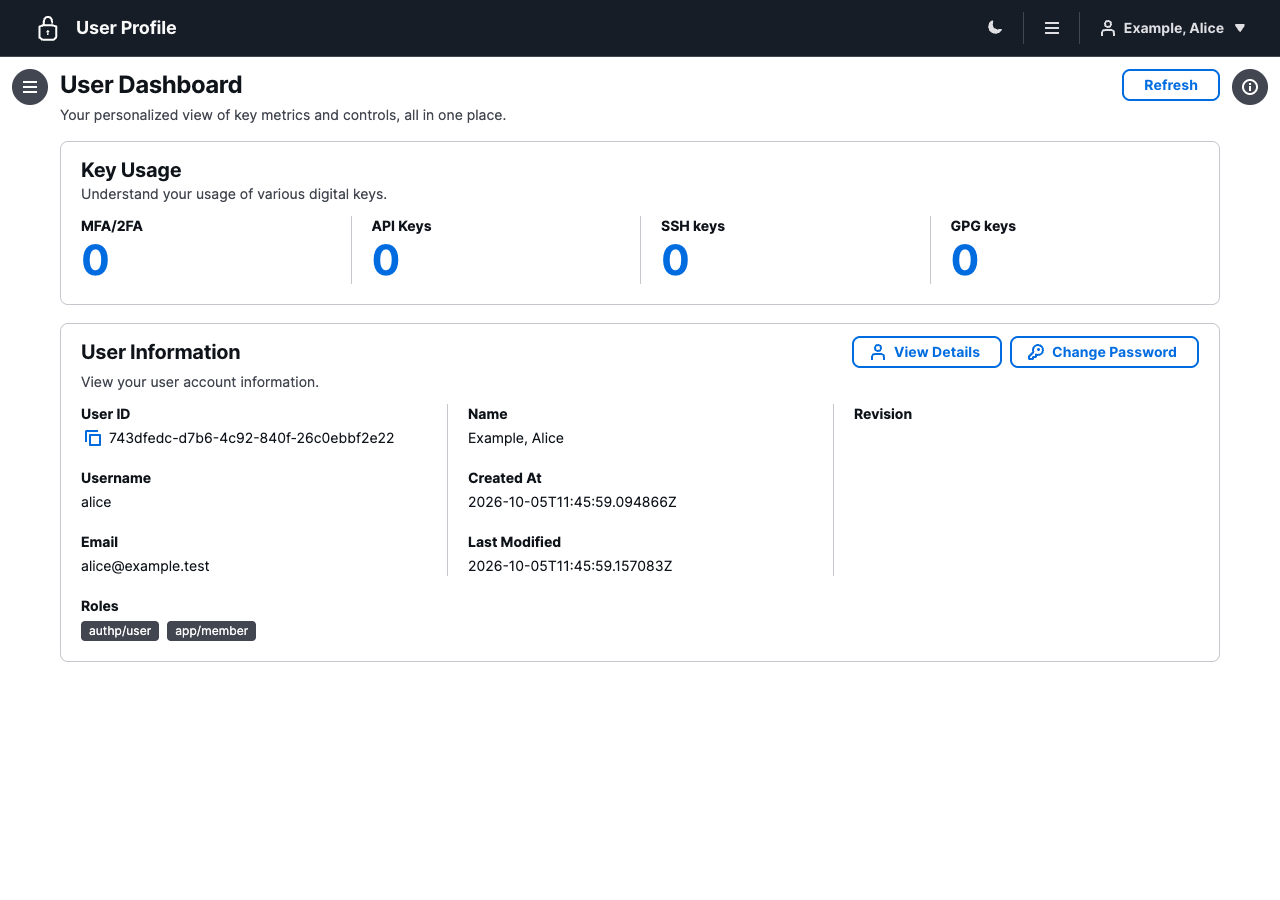
Open /auth/profile/ for the current account dashboard. Local accounts with
authp/user or authp/admin can use the Profile API
behind this interface to manage their password, authenticators, API keys, and
public SSH/GPG keys. A guest does not have profile-management permission.
An OAuth, SAML, or LDAP login does not turn into a local account. Manage those credentials at their identity source; current profile-management operations support local identities. The profile also depends on a live portal session, not just possession of a signed token.
Password Management
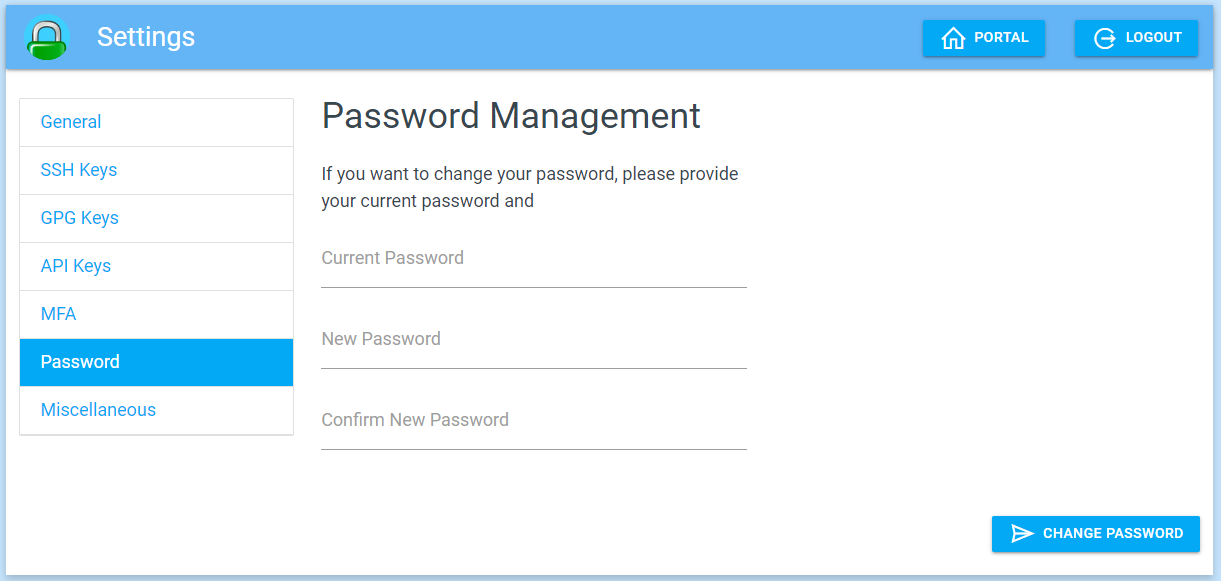
Choose Change Password in the local profile. Supply your current password and confirm the new one, then verify it with a fresh login. Follow Local password management for administrator hash generation and password policy. Password changes and browser logout are separate actions.
Earlier password form and authenticator list
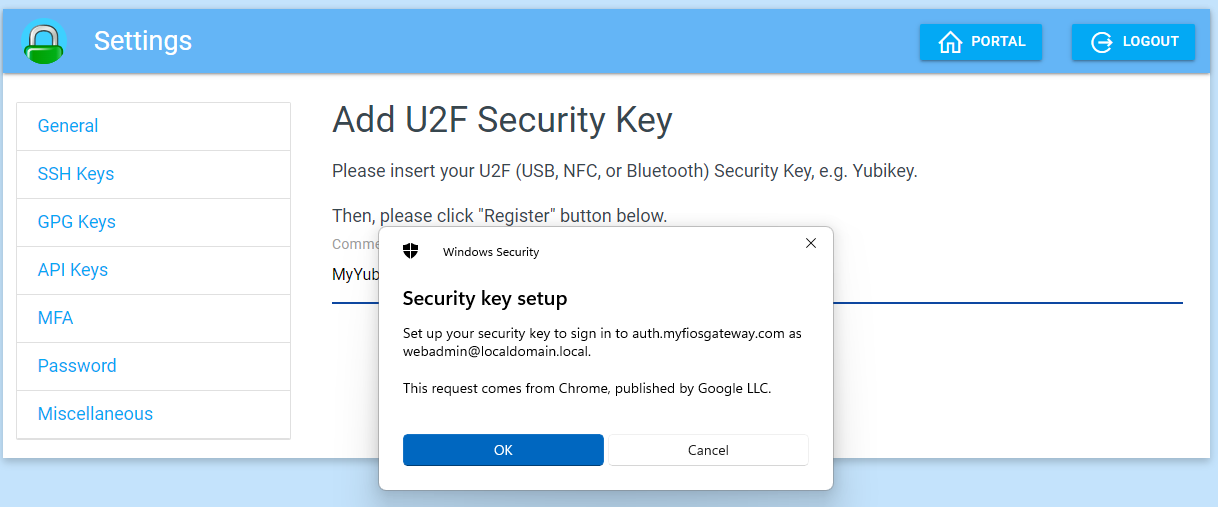
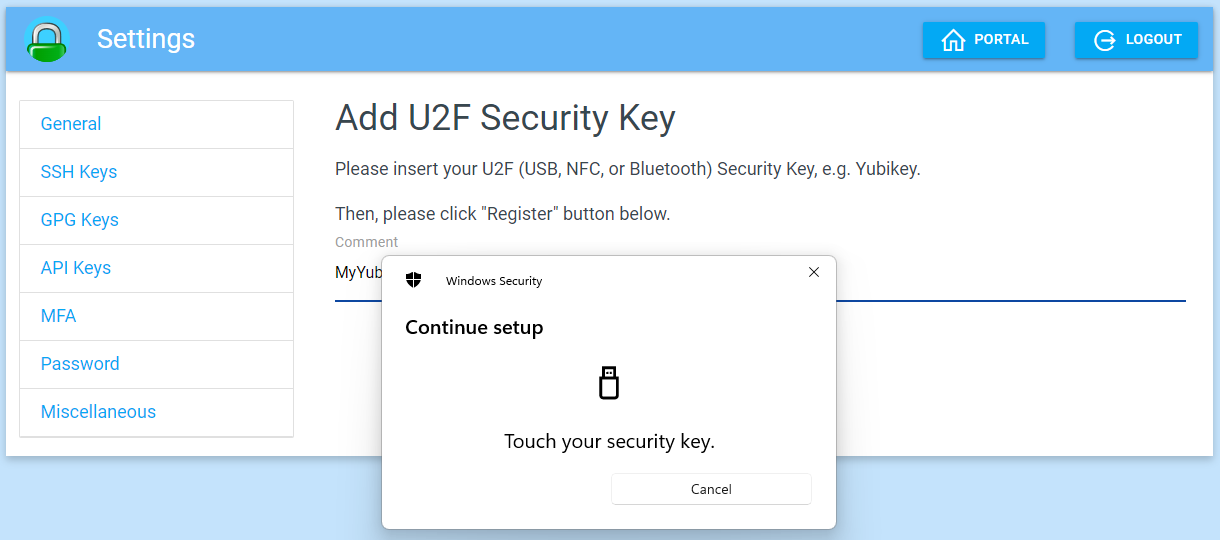
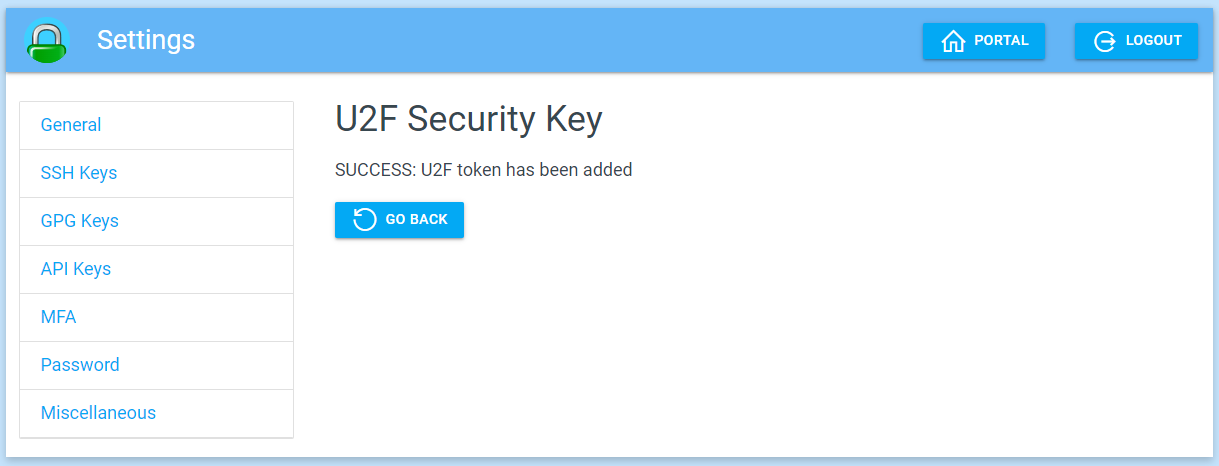
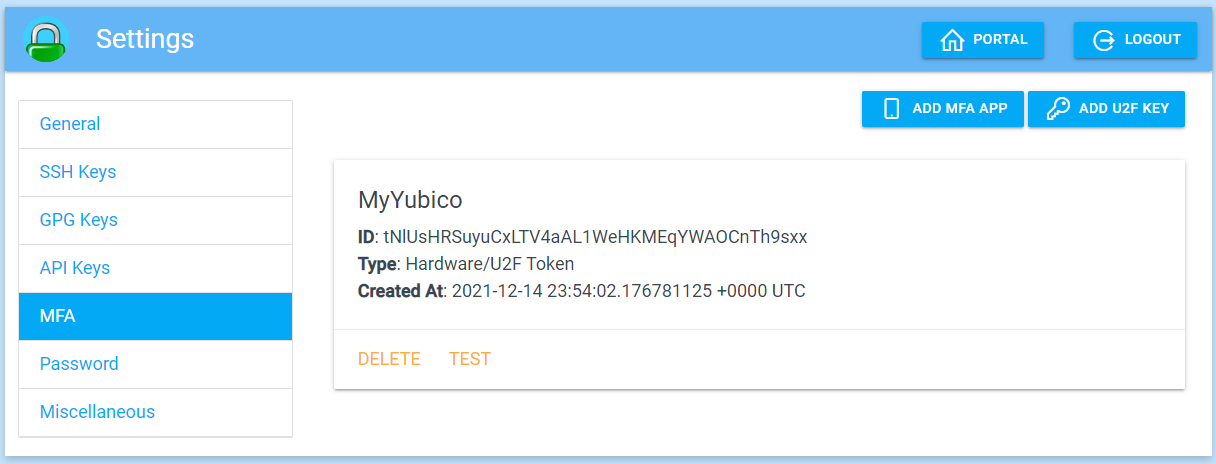
Add U2F Token (Yubico)
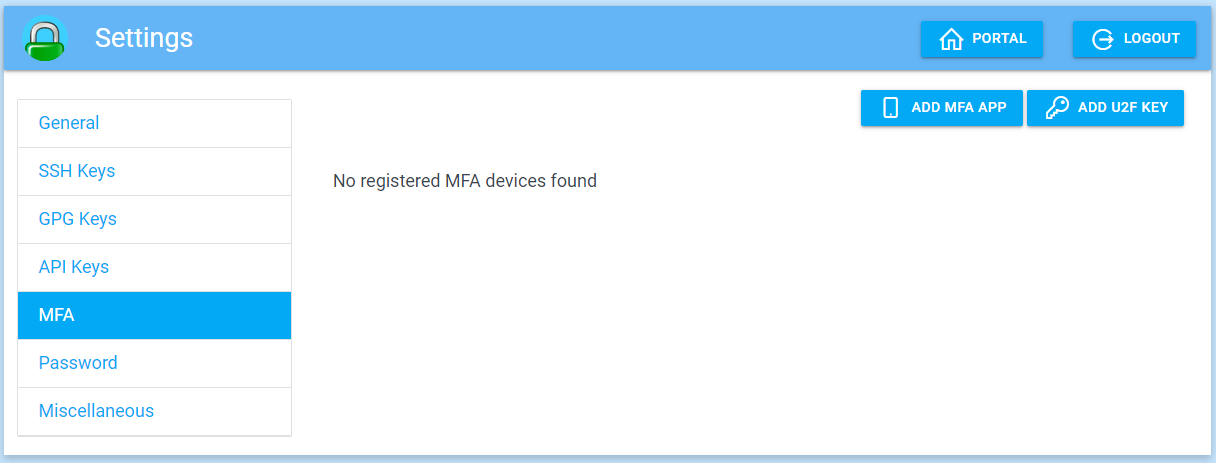
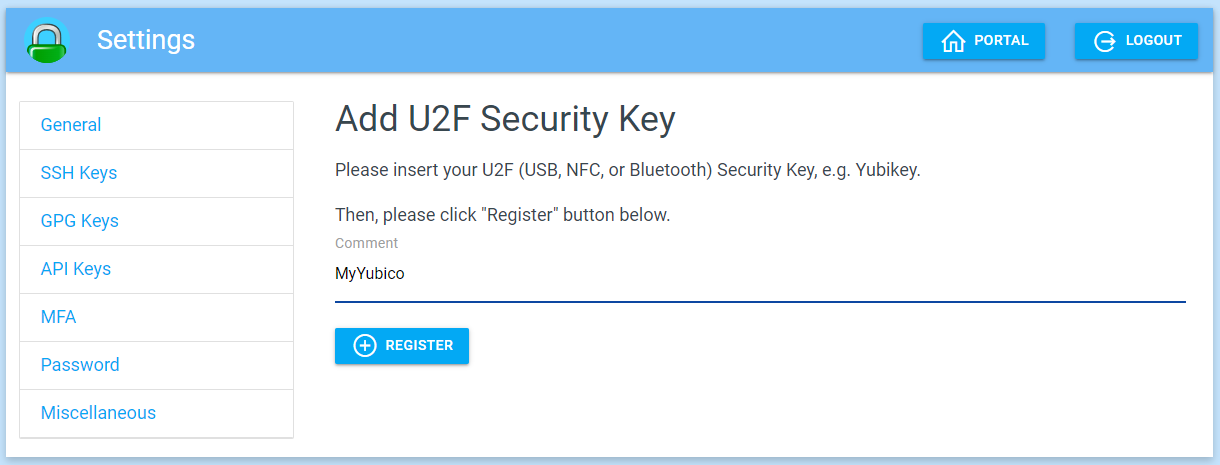
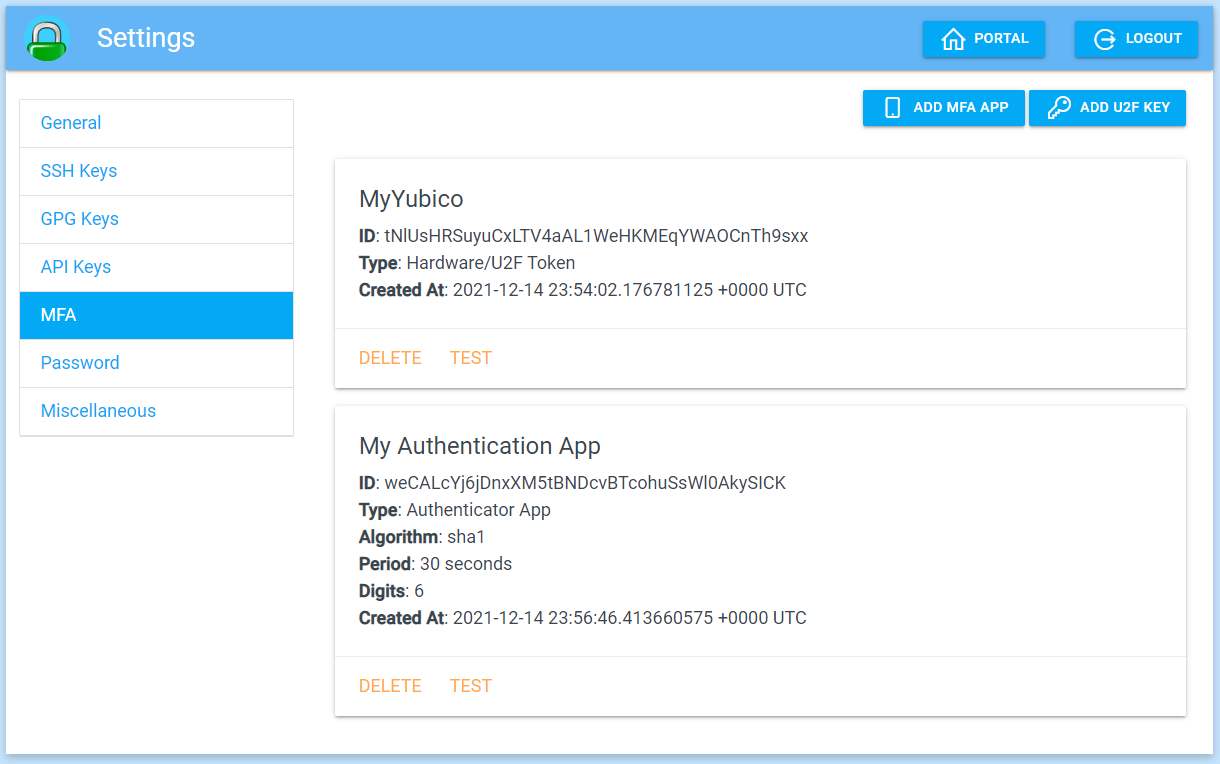
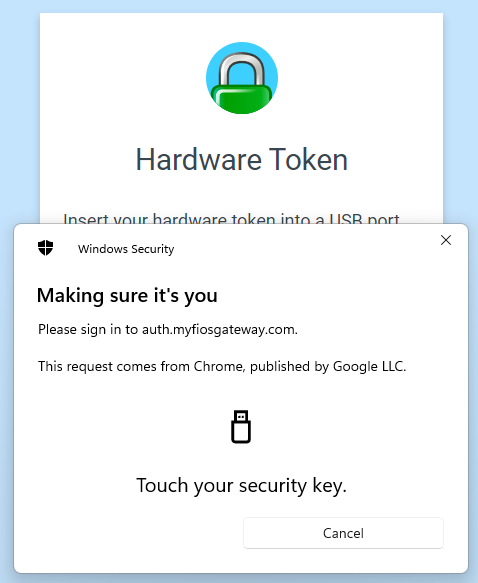
Use the profile's MFA controls to enroll a security key or supported WebAuthn credential. Follow the browser or operating system prompt, confirm the credential appears in the account, and test a fresh login. The earlier UI uses U2F; current authentication also supports WebAuthn credentials. Enrollment alone does not make login passwordless: challenge rules determine the factors and their order.
Earlier security-key enrollment and operating system prompts
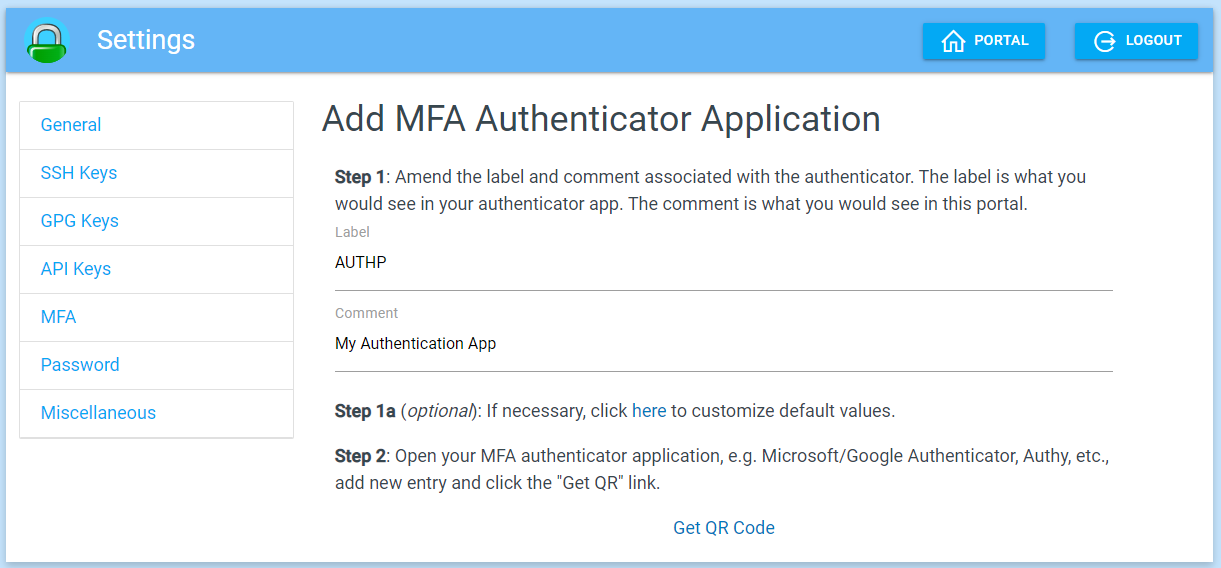
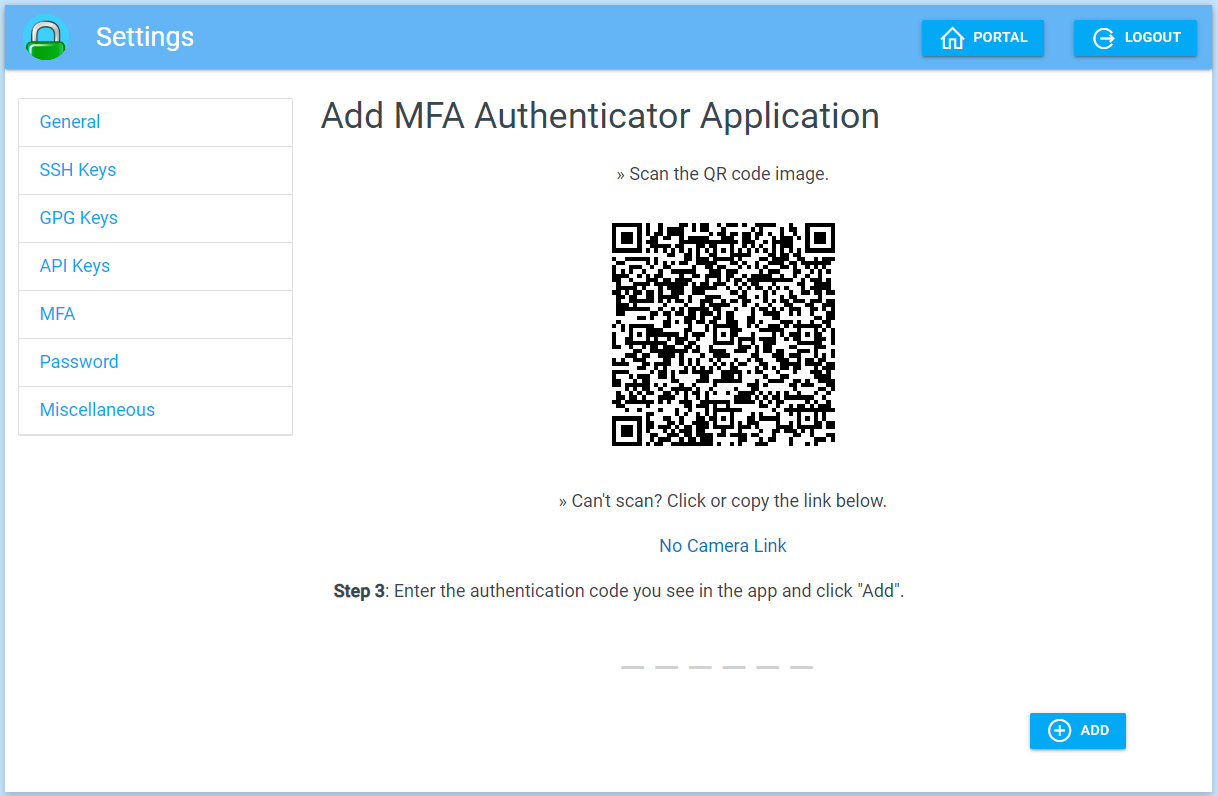
Add Authenticator App
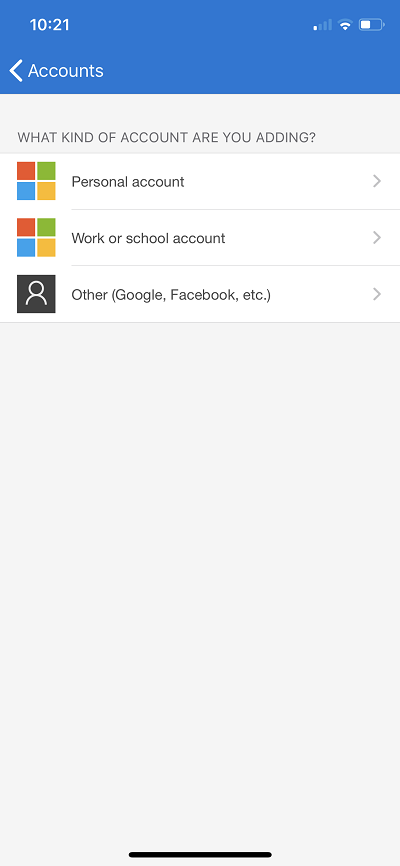
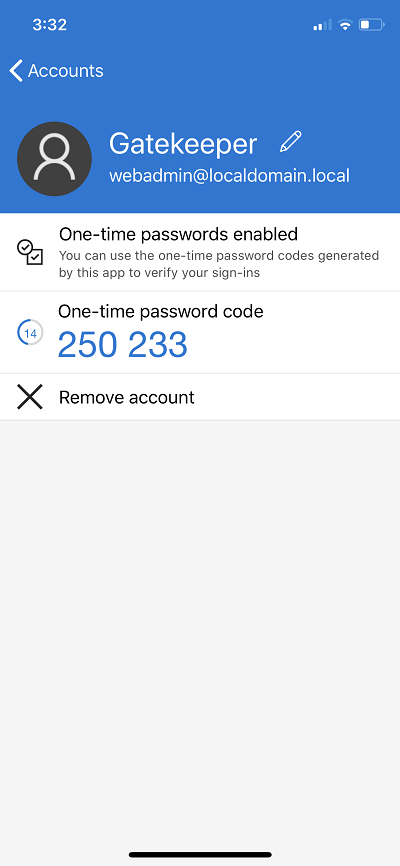
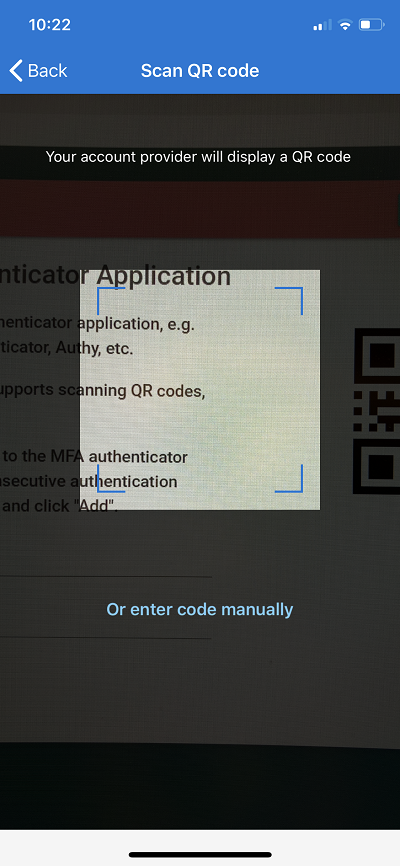
Enroll a TOTP authenticator through the profile's MFA controls. Scan the QR code from your own account, enter a current code to confirm enrollment, and verify a fresh login. The QR code contains an authenticator secret and must be kept private. The archived example is illustrative; do not scan it for your account.
See Multi-factor authentication for requirements and enrollment.
Earlier TOTP enrollment and Microsoft Authenticator examples
Multi-Factor Authentication
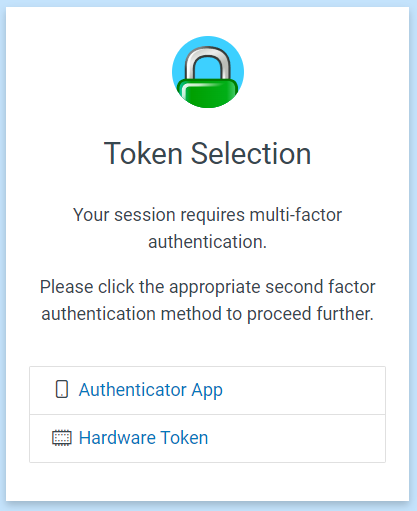
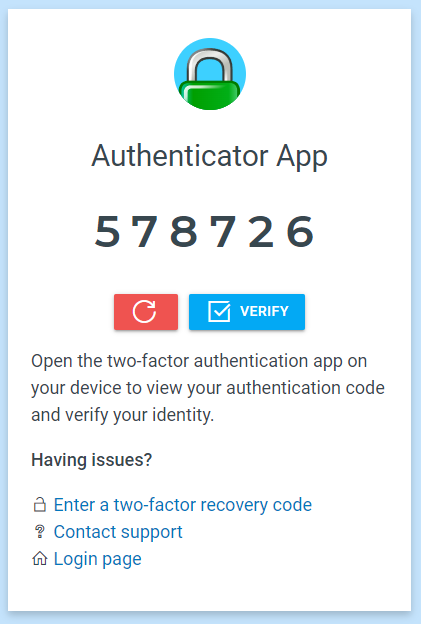
During a local login, the portal can ask for an authenticator code or a
security-key interaction after the password. If require mfa applies and the
account has no factor, login requires enrollment. Custom challenge rules can
change the sequence and fallbacks. For federated logins, configure MFA at the
upstream identity provider.
Read MFA and Authentication challenges before changing a local account's requirements.
Earlier factor selection and verification prompts
Sign out and diagnose problems
Choose Sign Out, or open /auth/logout. In the learning example, a fresh
request to /app then requires login. This does not by itself end upstream SSO
or revoke every copy of an access token; see Logout.
| Symptom | Next check |
|---|---|
| Login repeatedly restarts | Cookie scope and key consistency |
| Login succeeds but app returns 403 | Compare roles with the application policy |
| An old Settings link returns 404 | Update it to /auth/profile/, using your actual prefix |
| Profile data cannot load | Confirm local login, profile permission, and a live session; consult the Profile API |
| Login ends on Applications instead of the requested page | Check trusted redirects |
Agentic Prompts
Copy a prompt into your LLM to explore this topic. Each prompt prioritizes upstream repository guidance and code over this page, and asks for version-aware reasoning.
Follow one complete login
Help me understand Using the authentication portal.

Primary authorities (take precedence over website documentation):
https://github.com/greenpau/caddy-security/blob/main/AGENTS.md
https://github.com/greenpau/caddy-security/tree/main/.codex/skills
https://github.com/greenpau/go-authcrunch/blob/main/AGENTS.md
https://github.com/greenpau/go-authcrunch/tree/main/.codex/skills
Read each repository's root AGENTS.md first, then any scoped AGENTS.md that
applies to inspected paths. Read the relevant SKILL.md files and follow their
implementation and test references.

Relevant skills to locate: configuration-authentication,
authentication-portal-profile, authentication-portal-challenges.

Secondary reference:
https://docs.authcrunch.com/docs/authenticate/auth-portal

If a source is inaccessible, ask me to paste its relevant text. Identify the
versions your answer applies to; main may be newer than my release. Resolve
disagreements using code and tests, and flag unverified claims. Use synthetic
credentials and redacted examples; explain proposed checks before any changes.

Walk me through a local username/password login, required checkpoints,
Applications, whoami, and Profile using my actual portal prefix. Distinguish
identifying an account from completing authentication. Compare
external-provider login without implying its credentials become a local
account.
Read the current and historical screens
Help me understand Using the authentication portal.

Primary authorities (take precedence over website documentation):
https://github.com/greenpau/caddy-security/blob/main/AGENTS.md
https://github.com/greenpau/caddy-security/tree/main/.codex/skills
https://github.com/greenpau/go-authcrunch/blob/main/AGENTS.md
https://github.com/greenpau/go-authcrunch/tree/main/.codex/skills
Read each repository's root AGENTS.md first, then any scoped AGENTS.md that
applies to inspected paths. Read the relevant SKILL.md files and follow their
implementation and test references.

Relevant skills to locate: configuration-authentication,
authentication-portal-profile, authentication-portal-challenges.

Secondary reference:
https://docs.authcrunch.com/docs/authenticate/auth-portal

If a source is inaccessible, ask me to paste its relevant text. Identify the
versions your answer applies to; main may be newer than my release. Resolve
disagreements using code and tests, and flag unverified claims. Use synthetic
credentials and redacted examples; explain proposed checks before any changes.

Explain how to use this page’s current screenshots and captioned historical
screens. Locate the current Profile route instead of an old Settings link.
Describe which menus depend on configuration and why a displayed application
link is not an authorization grant.
Diagnose Profile access
Help me understand Using the authentication portal.

Primary authorities (take precedence over website documentation):
https://github.com/greenpau/caddy-security/blob/main/AGENTS.md
https://github.com/greenpau/caddy-security/tree/main/.codex/skills
https://github.com/greenpau/go-authcrunch/blob/main/AGENTS.md
https://github.com/greenpau/go-authcrunch/tree/main/.codex/skills
Read each repository's root AGENTS.md first, then any scoped AGENTS.md that
applies to inspected paths. Read the relevant SKILL.md files and follow their
implementation and test references.

Relevant skills to locate: configuration-authentication,
authentication-portal-profile, authentication-portal-challenges.

Secondary reference:
https://docs.authcrunch.com/docs/authenticate/auth-portal

If a source is inaccessible, ask me to paste its relevant text. Identify the
versions your answer applies to; main may be newer than my release. Resolve
disagreements using code and tests, and flag unverified claims. Use synthetic
credentials and redacted examples; explain proposed checks before any changes.

Help me investigate a user who can open an app but cannot load Profile. Ask
about identity source, portal roles, live session, token origin, and restart.
Distinguish valid app JWTs from the local browser session needed for account
management.
Plan an account-management exercise
Help me understand Using the authentication portal.

Primary authorities (take precedence over website documentation):
https://github.com/greenpau/caddy-security/blob/main/AGENTS.md
https://github.com/greenpau/caddy-security/tree/main/.codex/skills
https://github.com/greenpau/go-authcrunch/blob/main/AGENTS.md
https://github.com/greenpau/go-authcrunch/tree/main/.codex/skills
Read each repository's root AGENTS.md first, then any scoped AGENTS.md that
applies to inspected paths. Read the relevant SKILL.md files and follow their
implementation and test references.

Relevant skills to locate: configuration-authentication,
authentication-portal-profile, authentication-portal-challenges.

Secondary reference:
https://docs.authcrunch.com/docs/authenticate/auth-portal

If a source is inaccessible, ask me to paste its relevant text. Identify the
versions your answer applies to; main may be newer than my release. Resolve
disagreements using code and tests, and flag unverified claims. Use synthetic
credentials and redacted examples; explain proposed checks before any changes.

Design a disposable-local-account exercise covering password change, TOTP or
WebAuthn enrollment, and a fresh login. Explain why enrollment is not
completed MFA evidence. Keep enrollment secrets and QR codes private, and mark
unsupported recovery assumptions.
Teach back the portal boundaries
Help me understand Using the authentication portal.

Primary authorities (take precedence over website documentation):
https://github.com/greenpau/caddy-security/blob/main/AGENTS.md
https://github.com/greenpau/caddy-security/tree/main/.codex/skills
https://github.com/greenpau/go-authcrunch/blob/main/AGENTS.md
https://github.com/greenpau/go-authcrunch/tree/main/.codex/skills
Read each repository's root AGENTS.md first, then any scoped AGENTS.md that
applies to inspected paths. Read the relevant SKILL.md files and follow their
implementation and test references.

Relevant skills to locate: configuration-authentication,
authentication-portal-profile, authentication-portal-challenges.

Secondary reference:
https://docs.authcrunch.com/docs/authenticate/auth-portal

If a source is inaccessible, ask me to paste its relevant text. Identify the
versions your answer applies to; main may be newer than my release. Resolve
disagreements using code and tests, and flag unverified claims. Use synthetic
credentials and redacted examples; explain proposed checks before any changes.

Quiz me on a member and nonmember seeing the same app link, an external user
opening Profile, an old Settings URL, and copied-token access after logout.
Wait for each answer and ask me to identify the service making the decision.
Source Code References
Start with the code search, then follow the parser, runtime, and tests relevant
to this topic. These links target main; use GitHub's branch/tag selector to
compare them with your installed release.
- Search this topic in both repositories — searches topic-specific symbols and paths across both codebases.
- caddy-security: plugin_authn.go — mounts the portal in Caddy and delegates HTTP requests.
- go-authcrunch: pkg/authn/serve_http.go — dispatches browser, API, and provider routes under the portal mount.
- go-authcrunch: pkg/authn/handle_http_login.go — starts browser login and constructs the login view.
- go-authcrunch: pkg/authn/handle_http_sandbox.go — handles local browser authentication checkpoints.
- go-authcrunch: pkg/authn/handle_api_profile.go — checks local identity/session access and dispatches Profile operations.
- go-authcrunch: pkg/authn/profile_session_e2e_test.go — tests the live-session boundary for profile access.